About
What is Panini Translate AI?
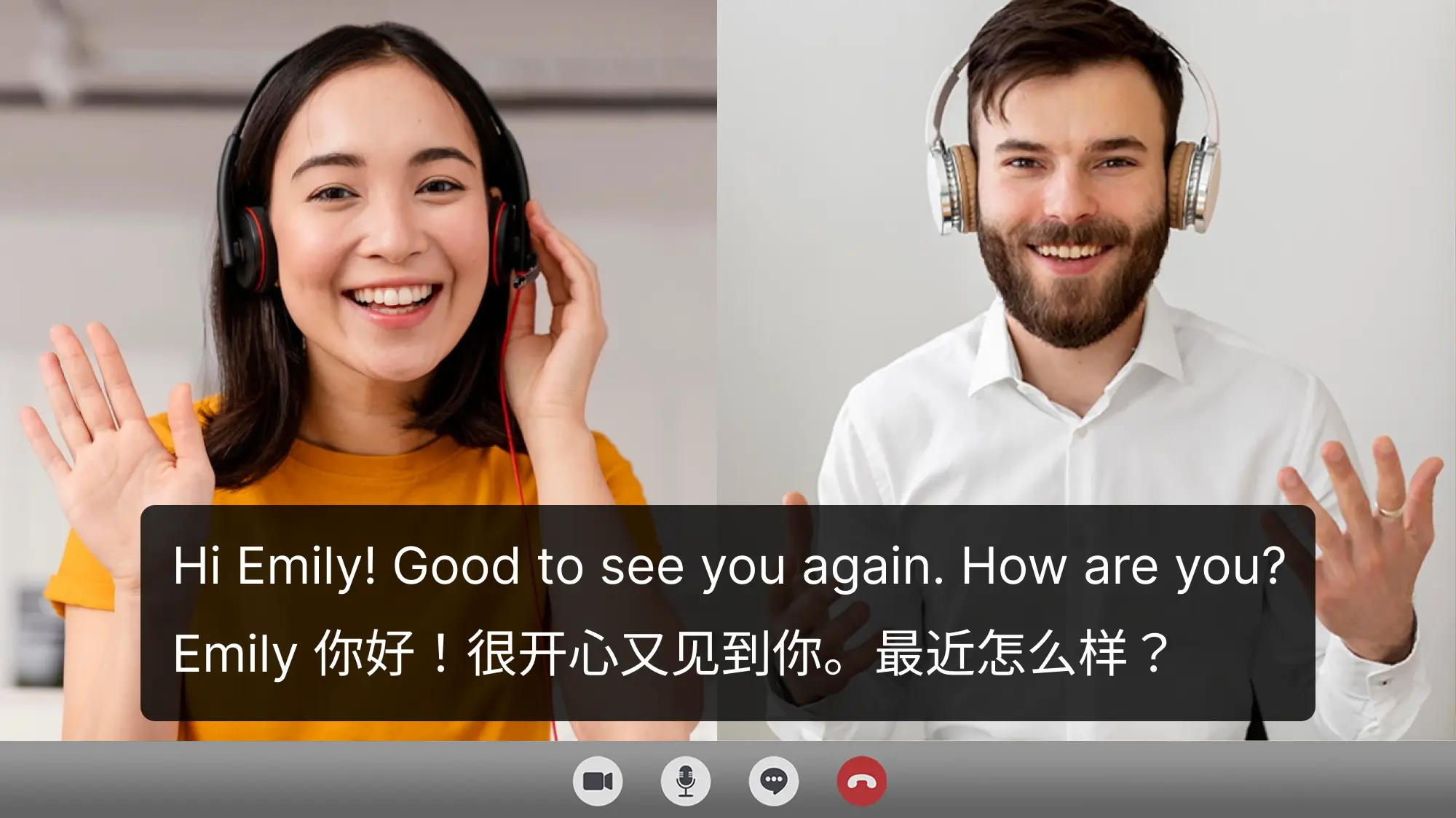
Panini Translate AI is a comprehensive AI-powered application designed for video translation, dubbing, voiceover, and subtitle generation. It supports an extensive range of over 75 global and regional languages, 150+ accents, and 750+ AI voices, including voice cloning capabilities. The tool allows users to effortlessly translate video speech, generate subtitles, and dub videos with human-like AI voices. It also provides a well-organized video library for easy access, sharing, and downloading of translated content. Panini Translate AI is available on Android and caters to a diverse audience, from content creators and educators to businesses and non-profits, enabling them to localize and globalize their video content efficiently.
Best used for
Ideal for content creators, educators, and businesses who need to translate and dub videos for a global audience, generate accurate subtitles, and create engaging voiceovers. Especially valuable for localizing educational content, marketing videos, and entertainment for diverse linguistic markets.
Common actions
multilingual communicationdubbingaiLanguagevideo translation
Capabilities
Key features
- AI video translation
- AI video dubbing
- AI voice generator
- AI subtitles generator
- Voice cloning
- 75+ languages support
- 150+ accents
Target Audience
content creatoryoutuberbloggermarketerteacherstartup founder
Integrations
Not yet documentedPricing & Plans
Freemium ยท Paid ยท Custom
FAQs
What are the limitations of the free trial?
The free trial offers 30 minutes of translation/dubbing time and allows you to translate/dub up to 2 videos. You can also download 2 translated videos, subtitles, and audio files separately. For more extensive use, paid plans are available.
Can I download the translated subtitles and audio separately?
Yes, Panini Translate AI allows you to download both the translated subtitles and the audio files separately for your dubbed videos. This provides flexibility for further editing or integration into other projects.
How can I share my translated videos?
Translated videos can be shared in two ways: App to App Sharing for quick viewing within the Panini Translate App, or by downloading the video (single language at a time) to your device for external sharing on social media or messaging platforms.
What is the difference between the Free and Paid plans?
The Free plan offers a 30-minute trial and limited dubs, while Paid plans provide no cap on full-length dubs, unlimited storage, multilingual voice support with 150+ accents and 750+ AI voices, voice cloning, unlimited downloads, and watermark removal.