What is the key difference between Planly and other social media scheduling tools?
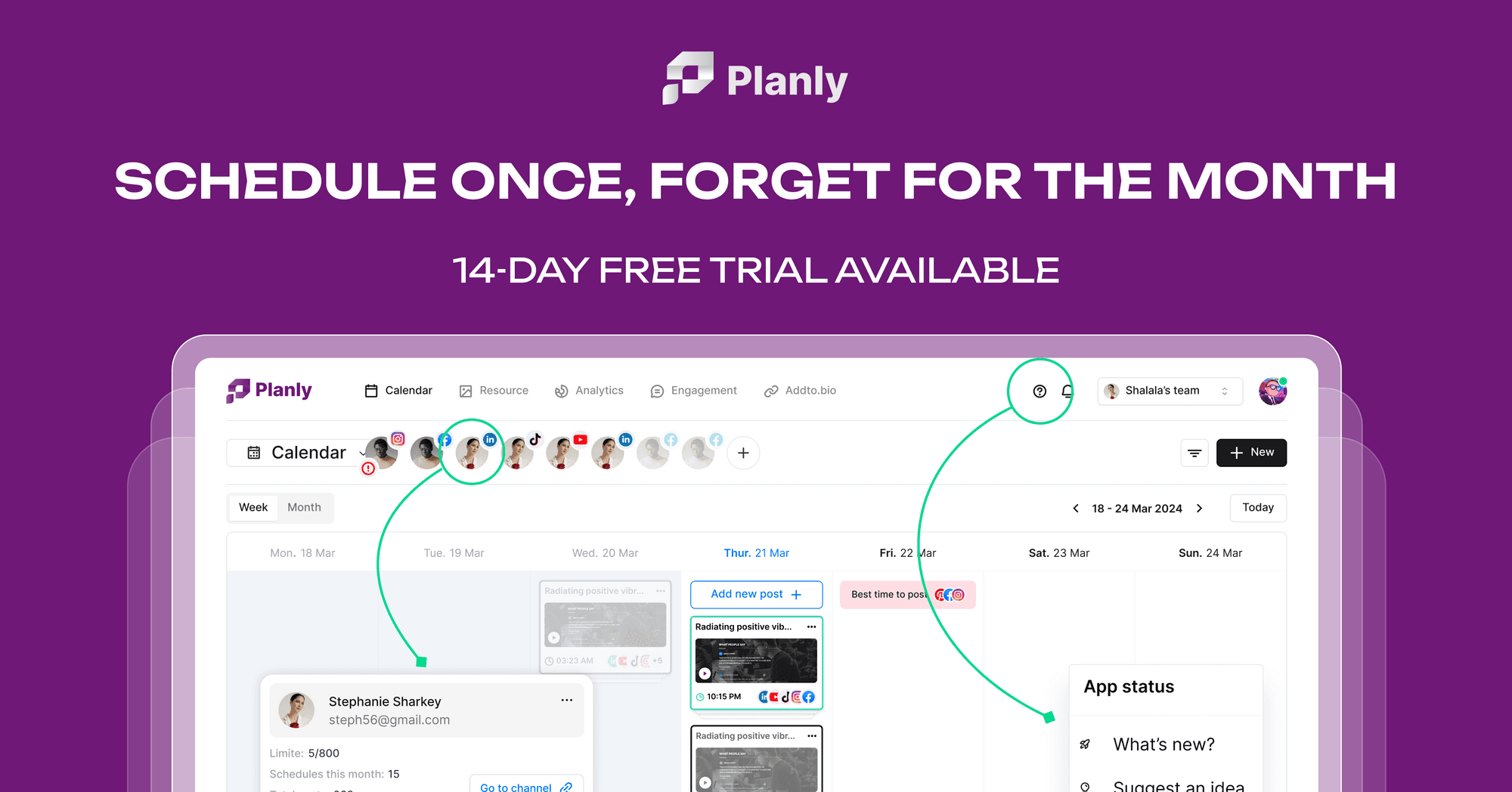
Planly distinguishes itself by offering auto-publishing to platforms like TikTok and Instagram without requiring push notifications or manual interaction. It uses your account session to post, making content appear as if posted manually, which can lead to higher engagement compared to API-based methods.
Can I schedule posts to personal social media accounts with Planly?
Yes, Planly supports scheduling posts to personal, creator, and business accounts across various platforms. This flexibility allows a wide range of users, from individual content creators to large agencies, to manage their social media presence effectively.
What social media platforms does Planly support for scheduling?
Planly supports a comprehensive range of social media platforms including TikTok, Instagram, Instagram Stories, Threads, Facebook, Twitter, Pinterest, LinkedIn, Mastodon, YouTube, and Bluesky. This broad support allows for centralized management of diverse social media strategies.
Does Planly offer a free trial for its paid plans?
Yes, Planly provides a 14-day free trial that allows users to experience all the features of the Individual, Team, or Agency plans. You can cancel at any time during the trial period without charge.
How does Planly's AI Content Assistant help with social media management?
The AI Content Assistant in Planly helps users generate content ideas effortlessly. This feature streamlines the content creation process, making it easier to maintain a consistent posting schedule and develop engaging material for various social media channels.