Spikes Studio is a video editing tool that transforms long-form content into viral short clips using AI. It offers AI-powered editing, auto-captions, and platform-specific optimization for social media.
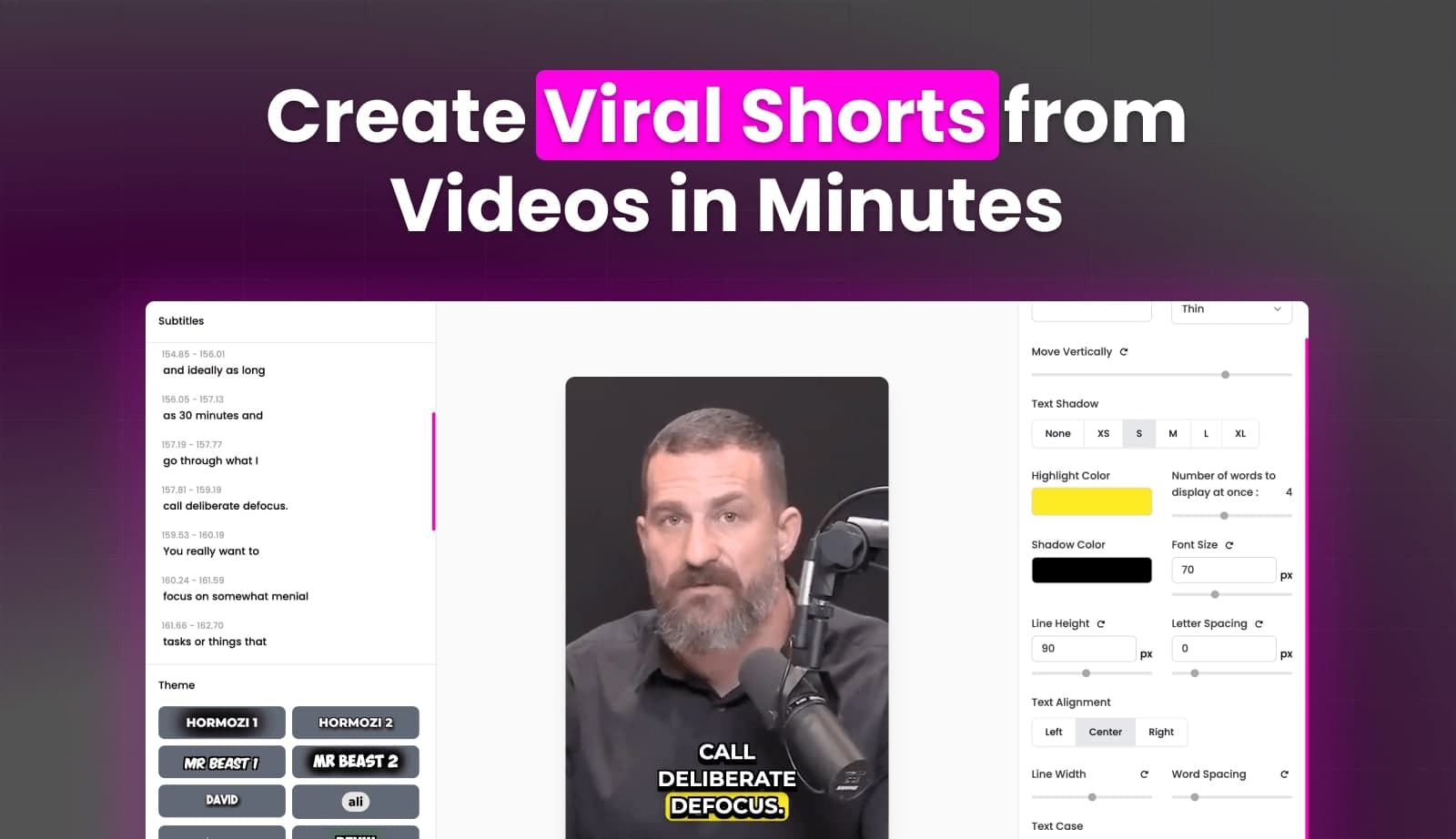
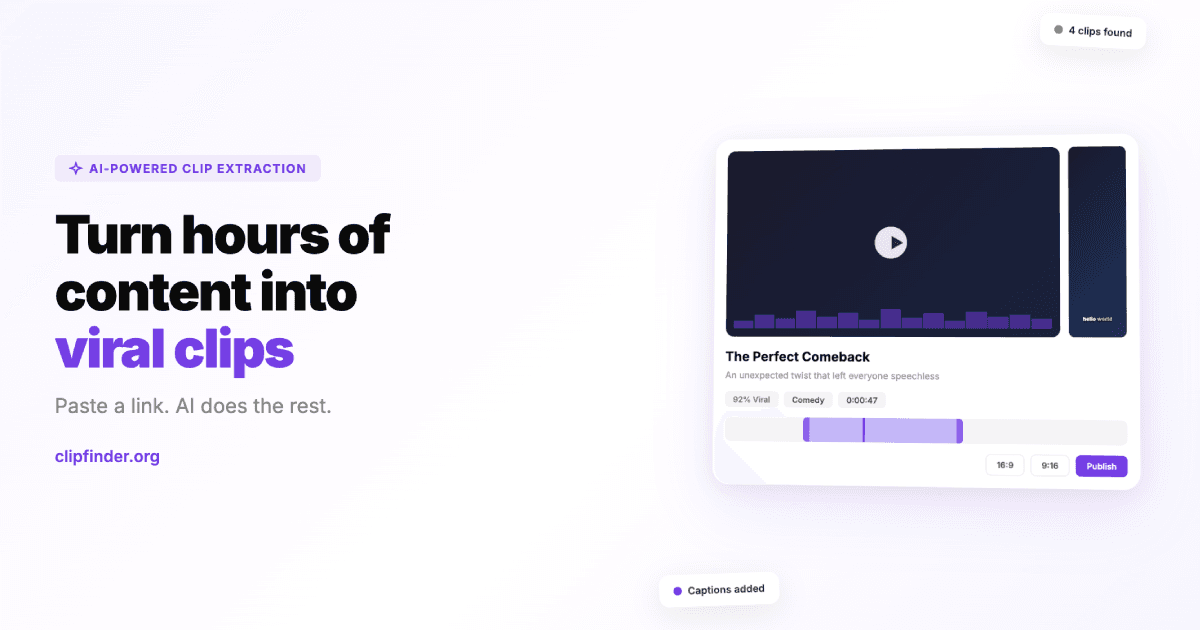
Spikes Studio is an AI-powered video editing platform designed to effortlessly transform long-form videos into engaging short clips optimized for social media platforms like YouTube, TikTok, and Instagram Reels. Its powerful AI editor automatically identifies the best moments, smooths transitions, and adds on-brand captions. The tool supports multi-format exporting, customizable video templates, and AI-generated titles and hashtags to ensure every post is platform-perfect. Users can also schedule and publish content across various social channels directly from the studio, track performance with a unified dashboard, and manage projects with drag-and-drop organization. It supports over 99 languages for global reach and offers features like animated captions and video podcast editing.
Best used for
Ideal for content creators, marketers, and small business owners who need to quickly transform long videos into engaging short clips, optimize content for various social media platforms, and schedule posts efficiently. Especially valuable for those looking to scale their video output and grow their audience without extensive editing time.
Common actions
edit videos
generate short clips
add captions
schedule social posts
optimize for social media
browser-based platformvideo transformationmulti-language supporteducatorssocial media optimizationmarketersai-powered video editingvideo productioncontent creatorsface tracking+ 1 more
Capabilities
Key features
AI clip detection
Animated auto-captions
Multi-format exporting
Social media scheduling
Performance analytics
Video podcast editor
Customizable templates
Target Audience
content creatormarketersmall business ownerinfluencer
Integrations
Not yet documented
Pricing & Plans
Freemium · Paid · Enterprise
Free
FAQs
Does Spikes Studio offer a free plan, and does it include watermarks?
Yes, Spikes Studio offers a free plan that allows access to demo clips and basic editing features. However, videos created on the free plan will include a watermark. To remove the watermark, users need to subscribe to one of the paid plans.
What video length can I edit using the web editor?
You can edit videos up to 5 minutes in length directly through the web editor's 'Add Captions' tab. This allows you to add captions, reframe to vertical views, create auto-effects, and receive optimized titles, descriptions, and hashtags.
Can I schedule and post content to social media directly from Spikes Studio?
Yes, Spikes Studio allows you to connect your social media accounts and schedule content for direct posting. You can manage and analyze your posts across platforms like LinkedIn, TikTok, Facebook, and YouTube from a single dashboard.
How many languages does Spikes Studio support for transcription?
Spikes Studio supports over 99 languages, enabling you to transcribe any video into its original language. This feature helps users reach a global audience and ensures broad accessibility for their content.