About
What is Upscale.media?
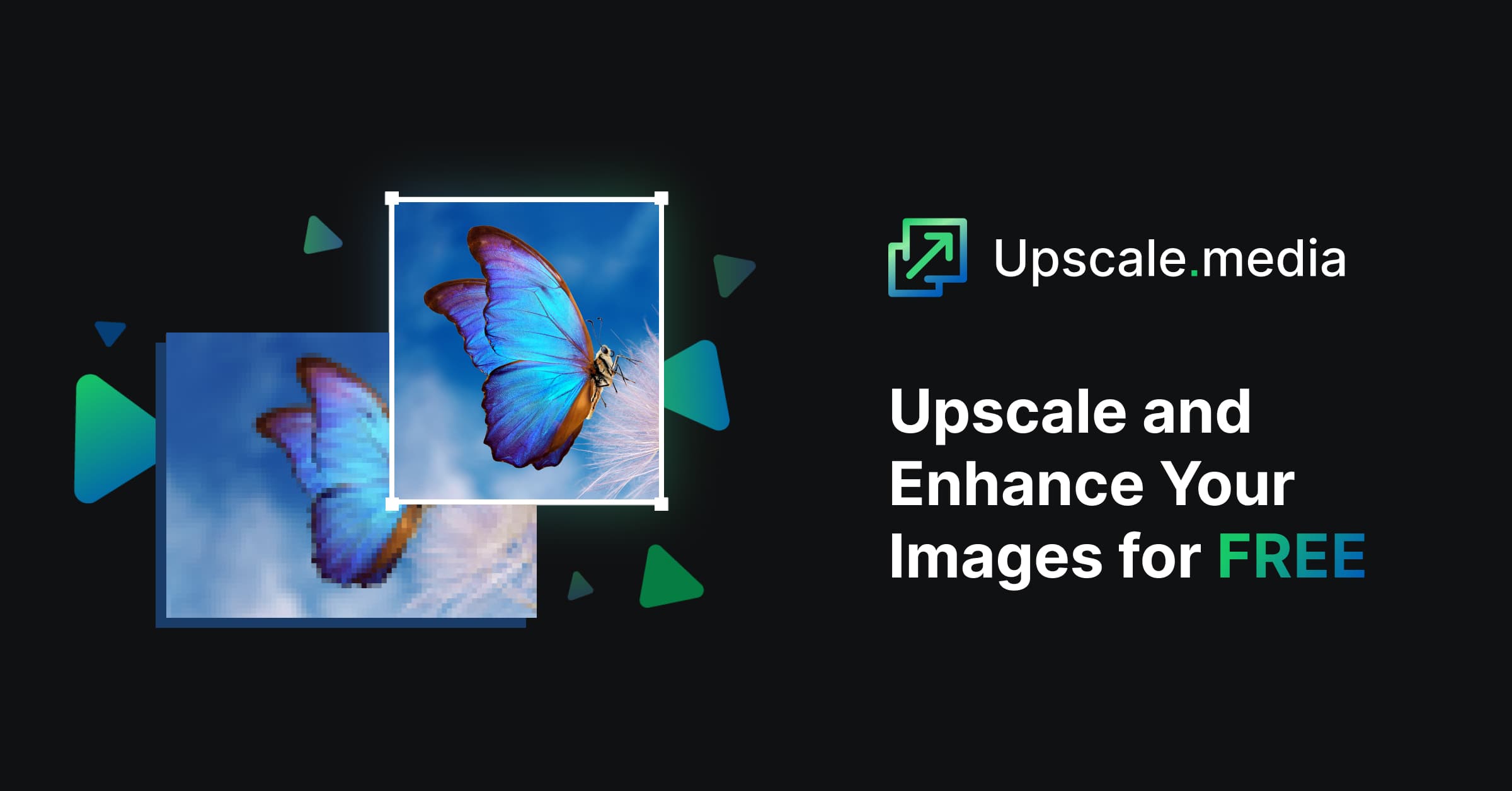
Upscale.media is an AI-powered image and video upscaler designed to enlarge and enhance low-resolution visuals quickly and efficiently. The tool allows users to upscale images by 2x, 4x, or even 8x while preserving textures and details, making it ideal for improving image quality for various applications. It supports common image formats like PNG, JPG, JPEG, WEBP, and HEIC, as well as video formats such as MP4, MOV, and WEBM. Beyond simple upscaling, Upscale.media offers additional enhancement features like sharpening, retouching, face enhancement, deburring, dehazing, motion blur removal, image restoration, and colorization. For commercial or bulk processing needs, it integrates with PixelBin.io, providing real-time image transformations and API access for seamless automation.
Best used for
Ideal for photographers who need to enhance image resolution for print or digital display, graphic designers looking to improve visual quality, and e-commerce businesses requiring high-quality product photos. Especially valuable for quickly transforming low-resolution images into stunning, detailed visuals.
Common actions
E-commerceimage upscalingquality visualsimage enhancementproductivityai-powered tools
Capabilities
Key features
- Upscale images 2x, 4x, 8x
- Upscale videos
- Sharpen images
- Enhance faces
- Restore old photos
- Colorize black-and-white photos
- Remove motion blur
Target Audience
photographergraphic designer
Integrations
Not yet documentedPricing & Plans
Freemium · Paid · Enterprise
FAQs
What image and video formats does Upscale.media support?
Upscale.media supports a variety of image formats including PNG, JPG, JPEG, WEBP, and HEIC. For video upscaling, it supports MP4, MOV, and WEBM formats, allowing users to enhance a wide range of visual content.
What are the maximum resolution and file size limits for upscaling?
For logged-in users, the maximum output resolution is 20,000 x 20,000 px for 1x scaling, with reduced limits for higher scaling factors. The maximum file size supported for any input is 25 MB.
Can I use Upscale.media for bulk image processing?
Yes, for bulk processing or commercial purposes, you can use PixelBin.io, which is a product by the same parent company. PixelBin offers real-time image transformations, automatic optimization, and API integration for efficient batch processing.