About
What is Whimsical AI?
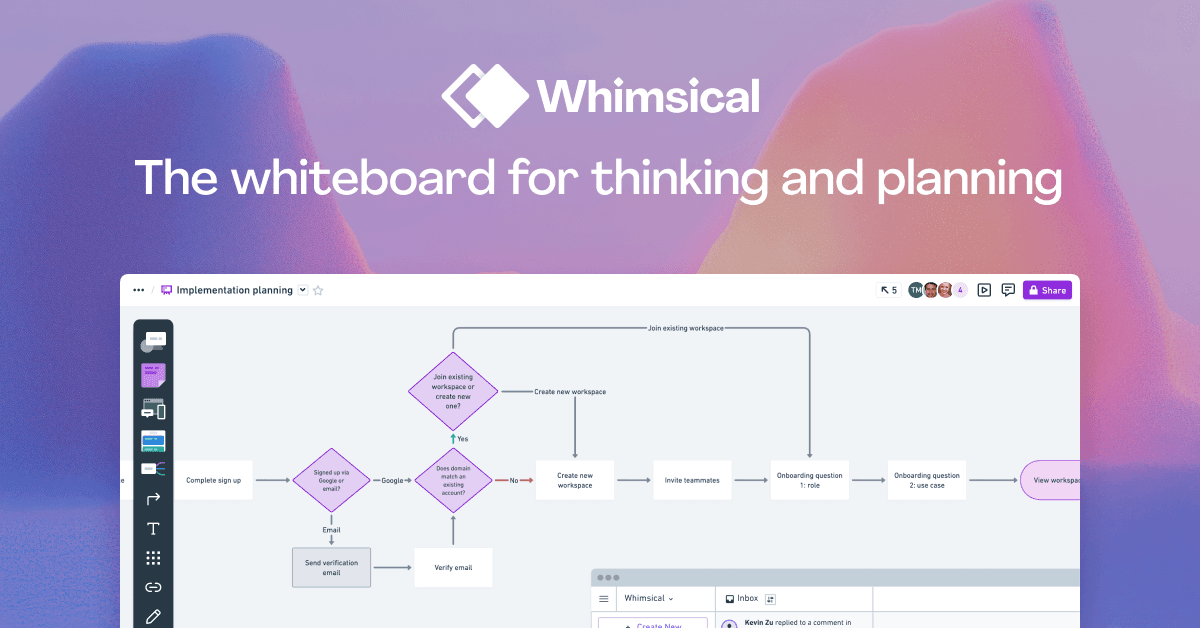
Whimsical AI is a collaborative whiteboard application designed for technical teams and agents, enabling rapid ideation and planning. Users can create flowcharts, mind maps, wireframes, and diagrams on an infinite canvas, fostering shared understanding and efficient communication. The platform is optimized for speed and efficiency, supporting real-time multiplayer editing and offering a library of expert-designed templates. Key features include AI-powered flowchart and mind map generation, version history, image and video embedding, and focused commenting. Whimsical aims to accelerate product development by allowing teams to explore new ideas and iterate quickly, ensuring the right solutions are shipped faster.
Best used for
Ideal for product managers, developers, and UX designers who need to quickly visualize complex processes, brainstorm ideas, and design user interfaces. Especially valuable for technical teams requiring real-time collaboration and AI-powered diagram generation to accelerate project planning and ideation.
Common actions
sequence diagramsorganizingorg chartsprototypesflowchartstext formattingvisual embeddingbrainstorming
Capabilities
Key features
- AI flowchart generation
- AI mind map generation
- Real-time collaboration
- Wireframe creation
- Diagramming tools
- Version history
- Templates library
Target Audience
product managerdeveloperux designer
Integrations
slackloomyoutube
Pricing & Plans
Freemium · Paid · Enterprise
FAQs
What are the limitations of Whimsical's Free plan?
The Free plan includes unlimited workspace members, 10 guest seats, and 100 AI actions. However, it is limited to 3 team boards, 3 teams, 5MB file uploads, and a 7-day version history. Upgrading unlocks more features and higher limits.
Does Whimsical offer discounts for non-profits, students, or teachers?
Yes, Whimsical provides a 20% discount for non-profit organizations. Students and teachers can use Whimsical free of charge by signing up and completing a specific application form to verify their status.
Can I collaborate with external users who are not part of my organization?
Yes, you can share files with external individuals or invite them as guests. On the Free plan, guests have view or comment access. Paid plans (Pro, Business, Enterprise) allow guests to have editor, commenter, or viewer roles.