About
What is AI Image Upscaler - Icons8?
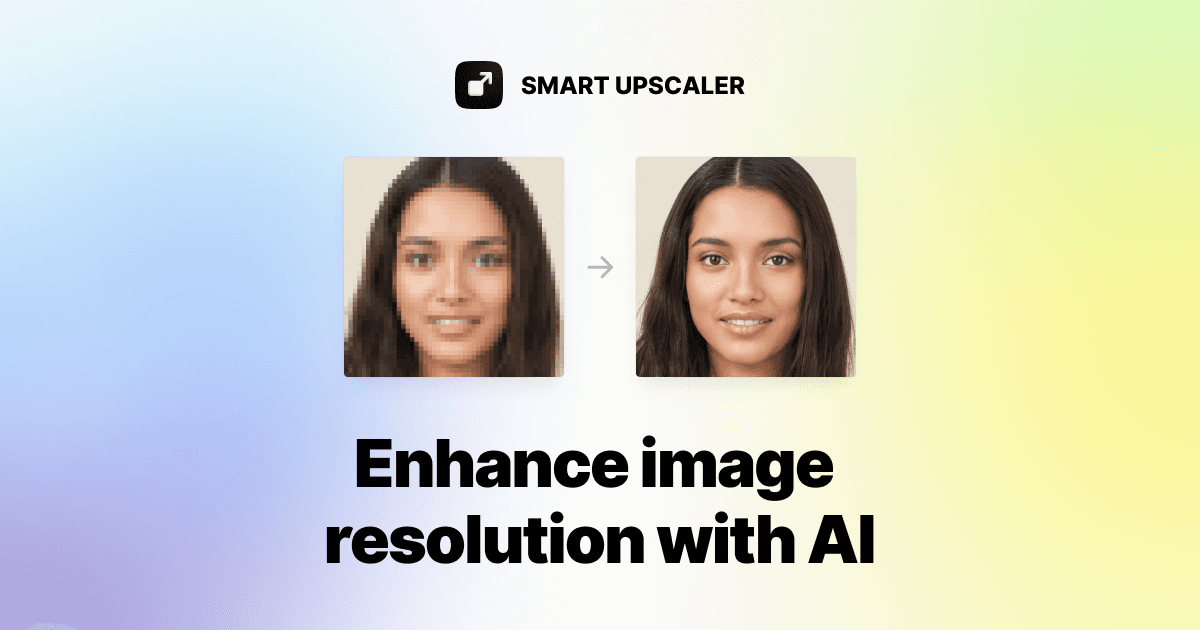
AI Image Upscaler by Icons8 is an advanced online tool designed to enhance image quality and resolution using artificial intelligence. It leverages state-of-the-art deep learning technology, trained on over 5 million images, to upscale photos up to 8x their original size without losing detail. The tool supports batch processing for efficiency and offers an API for seamless integration into other applications. Users can upload JPG, PNG, and WebP images up to 5MB, with a maximum output resolution of 7680x7680px. Beyond upscaling, Icons8 provides a suite of related AI tools, including a background remover and face swapper, making it a comprehensive solution for various image manipulation needs.
Best used for
Ideal for graphic designers and photographers who need to enhance low-resolution images, prepare photos for high-quality printing, and integrate image upscaling into their existing workflows. Especially valuable for those requiring batch processing and API access for automated tasks.
Common actions
head posesAI technologyface swap businessskin beautifierhigh resolutionphotosface swap
Capabilities
Key features
- Upscale images up to 8x
- Batch image processing
- Image upscaling API
- Noise reduction
- Sharpening
Target Audience
graphic designerphotographer
Integrations
Not yet documentedPricing & Plans
Freemium · Paid · Usage-based
FAQs
How does the Smart Upscaler enhance image quality?
The Smart Upscaler uses state-of-the-art Artificial Intelligence technology, specifically deep learning, to enhance photo quality without losing details. It analyzes over 5 million images to perform super-resolution, constantly expanding its dataset for improved results.
What are the options for removing watermarks from upscaled images?
Watermarks can be removed through several options: a prepaid package of 50 images for $10, a limited subscription of 100 images/month for $9 with rollover credits, or an unlimited subscription for $99/month. API access is also available for large batches.
What image types and sizes work best with Smart Upscaler?
Images in JPEG or PNG format, smaller than 3000x3000 pixels, work best. The tool can upscale images up to 7680x7680px. Smaller initial images often show more dramatic improvements after upscaling.