Bannerbear is an AI tool that automates image and video generation through an API and integrations. It helps users auto-generate social media visuals, e-commerce banners, and more.
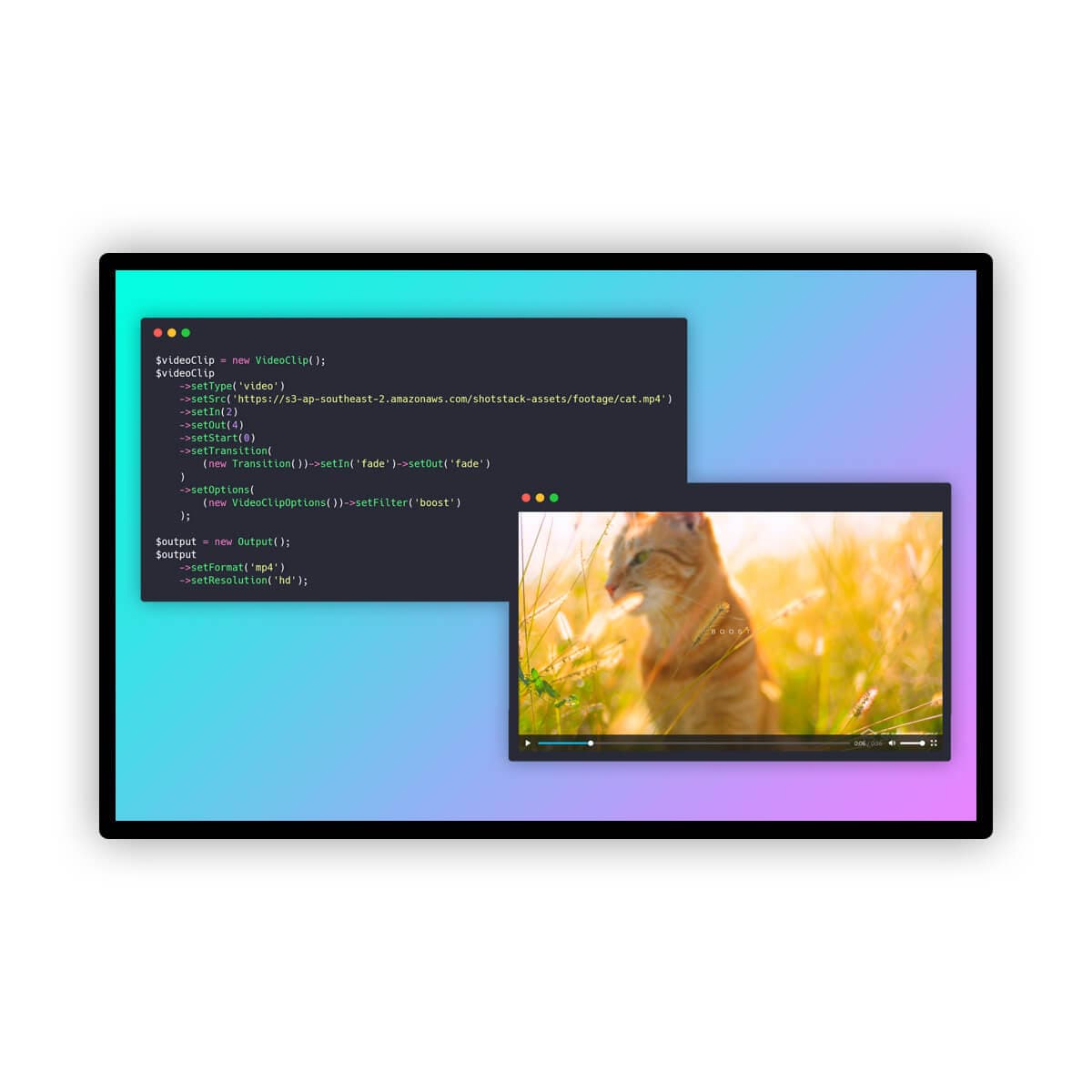
Bannerbear provides an API for automated image, video, and PDF generation, enabling teams to auto-generate social media visuals, e-commerce banners, and podcast videos. It integrates with popular platforms like Airtable, Zapier, Make, and WordPress, allowing for no-code automated workflows. Developers can also use its REST API or official libraries in Ruby, Node, and PHP to add image and video generation capabilities to their applications. Bannerbear supports custom fonts, offers interactive demos, and provides various free generators for certificates, wedding invites, and more, making it a versatile tool for scaling marketing efforts.
Best used for
Ideal for marketers who need to automate the creation of social media visuals, e-commerce banners, and dynamic email images. Especially valuable for developers looking to integrate image and video generation capabilities into their applications or for teams scaling their marketing operations through automated workflows.
Bannerbear uses an API credit system where 1 image equals 1 credit. Other media types like PDFs and videos consume more credits. You can monitor your credit usage in the logs section of your Bannerbear account. It's not possible to exceed your monthly credit limit without upgrading your plan.
Can I use Bannerbear with no-code tools?
Yes, Bannerbear offers integrations with popular no-code platforms such as Zapier, Make.com (formerly Integromat), and Airtable. These integrations allow you to create automated workflows for image and video generation without writing any code, streamlining your marketing tasks.
What happens to my data if I cancel my Bannerbear plan?
If you cancel your Bannerbear plan, all related projects, templates, and generated images will be deleted. Bannerbear also offers optional granular control over data expiration, allowing you to set data to be deleted as soon as 10 seconds after assets are generated.