How does My AI Room Designer generate room designs?
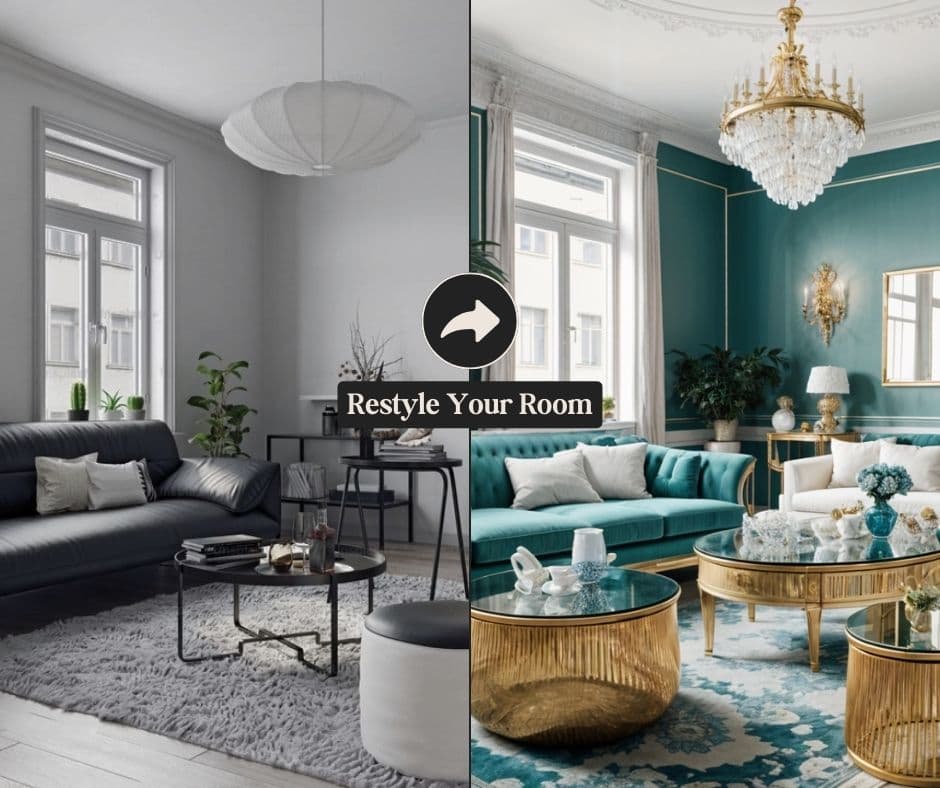
The AI uses advanced machine learning to analyze uploaded room photos, identifying layout, furniture, and color schemes. It then generates multiple design options tailored to your preferences, which can be refined by adjusting style, color palette, and furniture choices.
Can I explore different interior styles with this tool?
Yes, My AI Room Designer supports various styles beyond a default, including Modern, Rustic, Industrial, and specific designer aesthetics like Love Magnolia. You can describe desired changes or use the 'Change Prompt' feature to adjust the style.
How closely do the AI designs match my current room's layout?
The AI accurately scans and analyzes your room's layout and materials from photos, generating designs that closely match your existing space. You can further customize by editing descriptions or using the 'Change prompt' button for specific details.
Can I find real-life products based on the generated designs?
Yes, you can! By clicking the 'Find similar products' button and selecting items within your AI-generated room design photo, you will be able to view similar real-life products that match the style.
What advanced customization features are available?
The tool offers features like upscaling images to high resolution, cleaning up photos, removing unwanted items, and creating similar designs. You can also add designs to a Mood Board Designer and generate a shopping list.
How do interior designers benefit from My AI Room Designer?
Interior designers can use the tool to create multiple room design concepts, shopping lists, and color palettes. It also helps in generating client-ready presentations, enhancing their creative process, and streamlining workflow for professional designs.