Is FaceSwapEasy:AI Portrait & Art (AI Deepfake Maker) completely free to use?
The tool offers a free tier for basic deepfake creation without watermarks or sign-ups. However, there are premium upgrade options available that remove daily limits, duration/size restrictions, and provide HD enhanced results for more advanced usage.
What types of media can I use for face swapping and editing?
You can upload photos in PNG, JPG, JPEG, and WEBP formats for face swaps and AI image editing. For video face swaps and AI video editing, MP4, MOV, and GIF formats are supported. The tool also allows for GIF face swaps.
Does AI Deepfake Maker store my uploaded photos or generated content?
No, the tool explicitly states that it does not store any uploaded media or generated content. The secure deepfake face swap process runs entirely on the server, ensuring user privacy with no tracking or retention of your files.
Can I swap multiple faces in a single photo or video?
Yes, AI Deepfake Maker supports multiple face swaps for both photos and videos. For photos, you can upload up to 10 images for origin faces. For videos, there's an option for multi-face video swaps.
What kind of AI editing features are available beyond face swapping?
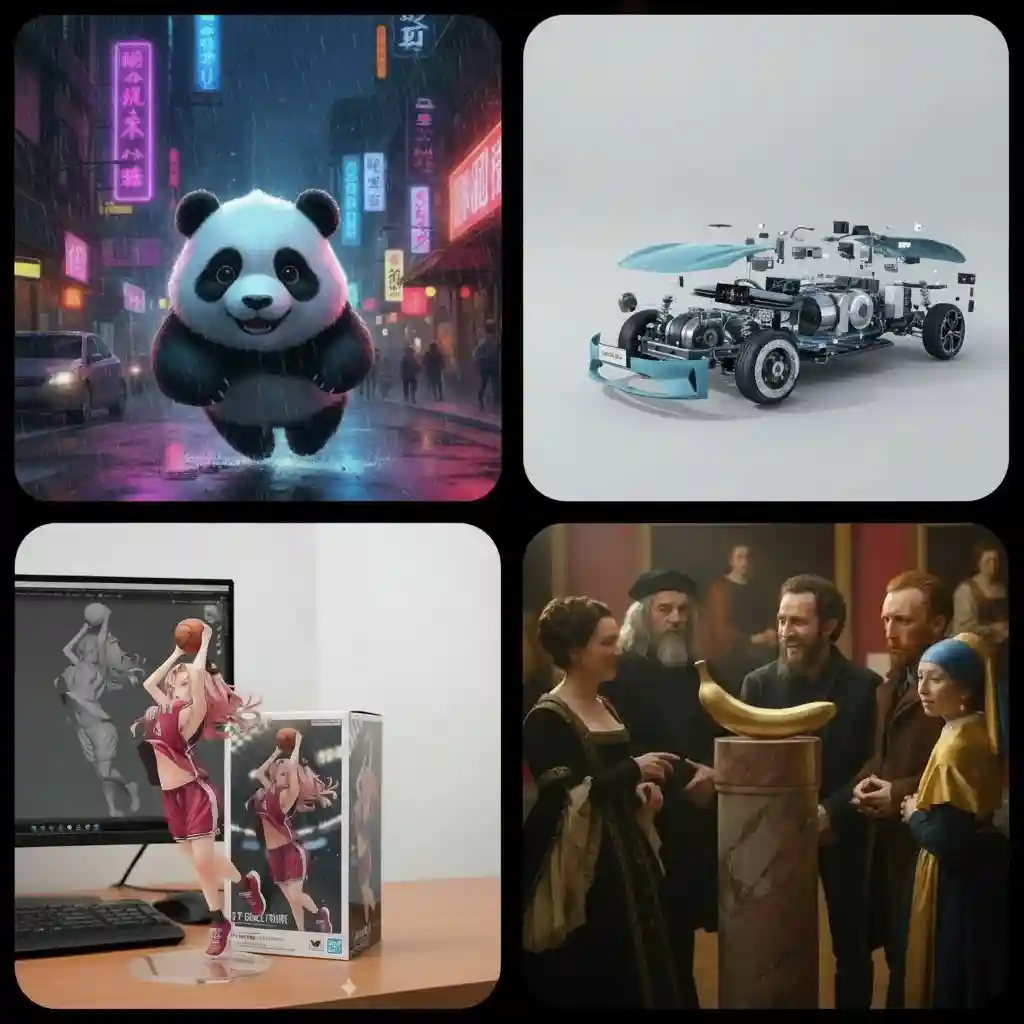
Beyond face swapping, the tool offers AI image generation (text-to-image, image-to-image), AI image editing (old photo fix, background remover, object remove/add, upscale), AI video generation (text-to-video, image-to-video, video-to-video), and AI video editing (gender swap, enhance, watermark remover).