What file formats does FitRoom support for image uploads?
FitRoom accepts common image formats including JPG, PNG, and HEIC files. For optimal results, it is recommended to use high-resolution images that clearly represent both the garments and the model.
Can I use FitRoom on my mobile device?
Yes, FitRoom is compatible with mobile devices, including iPhones, Samsung phones, and tablets. You can upload photos and generate outfit changes directly from your mobile device with the same quality as on a desktop.
What types of clothing items can the AI swap?
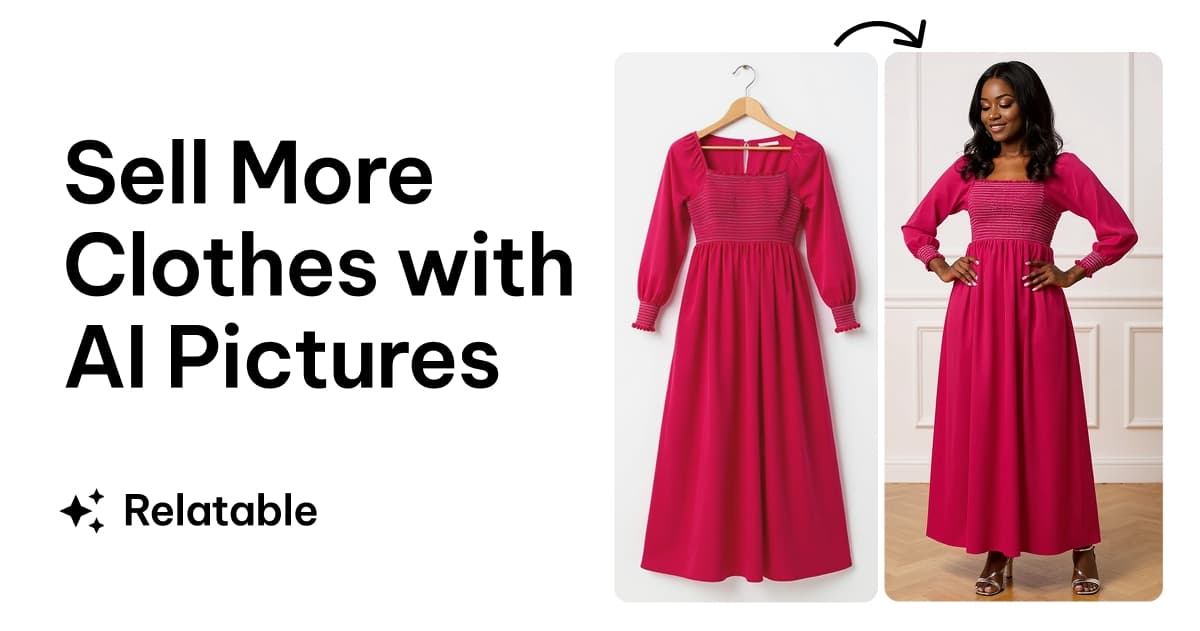
The AI clothes changer can handle most common garment types. This includes tops, dresses, pants, skirts, and outerwear, allowing for a wide range of virtual try-on possibilities.
Is it possible to customize the fit of the AI-generated try-on?
Currently, FitRoom does not support manual customization of the fit. The AI automatically handles most fitting aspects, fine-tuning elements like sizing and positioning to create a natural look.
Can I use the generated images for commercial purposes?
Commercial rights are included for Pro users of FitRoom. This allows you to use the generated images for your online store, marketing materials, and social media campaigns.
How many free credits do I get with a new account?
When you register an account with FitRoom, you receive several free credits. These credits allow you to try on clothes and experience the AI virtual try-on feature before committing to a paid plan.