About
What is LiveReacting AI?
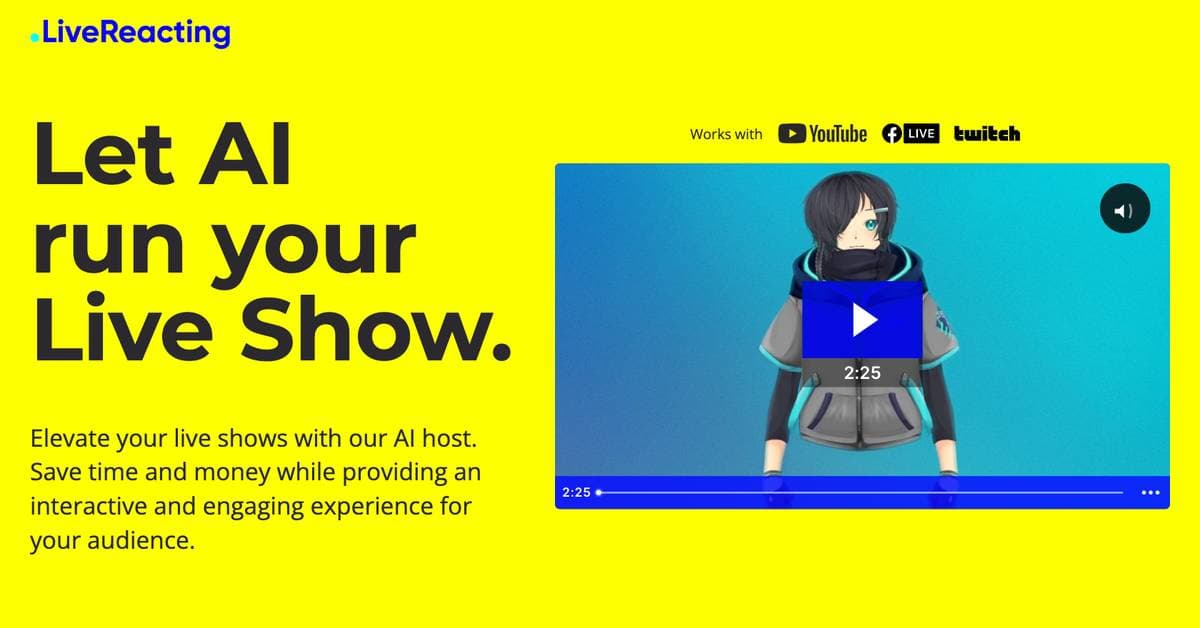
LiveReacting AI revolutionizes live streaming by offering an AI host capable of understanding context, educating, and entertaining audiences autonomously. This tool enables users to schedule pre-recorded videos, create continuous 24/7 live streams, and integrate interactive elements like trivia games, polls, and giveaways. The AI host can interact with players in real-time, shout out correct answers, and speak multiple languages, including English, Spanish, and French. It's designed to save time and money while providing an engaging experience, making it suitable for educational institutions, influencers, and businesses looking to enhance their live content without needing a human presenter on camera.
Best used for
Ideal for social media managers who need to automate live content, host interactive quizzes, and maintain continuous 24/7 live streams. Especially valuable for those looking to engage audiences with games and polls without requiring a human presenter, saving time and resources.
Common actions
AI host for live showsinteractive live show toolreal-time customizable games
Capabilities
Key features
- AI host for live shows
- Schedule pre-recorded videos
- Interactive games (trivia, word search)
- 24/7 continuous live stream
- Real-time audience interaction
- Multilanguage AI host
- Customizable avatars
Target Audience
social media manager
Integrations
Not yet documentedPricing & Plans
Freemium ยท Paid ยท Custom
Not publicly disclosed. Check livereacting.com for current pricing.
FAQs
Can I stream for free with LiveReacting AI?
Yes, LiveReacting offers a free plan with limited features, allowing you to stream without cost. You can create a free account to get started and explore the basic functionalities of the platform.
Does LiveReacting AI support streaming in 4K or 60 FPS?
Yes, LiveReacting supports both 4K resolution and 60 FPS streaming. These options are available as upgrades on most paid plans. You can adjust quality and FPS toggles on the pricing page to see updated pricing configurations.
Can I stream to multiple social media platforms simultaneously?
Yes, LiveReacting allows you to multistream to up to 20 different destinations. This feature helps you reach a wider audience across various platforms from a single broadcast.
Do I need to keep my computer on while streaming with LiveReacting AI?
No, you do not need to keep your computer turned on or maintain an internet connection while streaming. LiveReacting handles the streaming from its own servers, ensuring continuous broadcast.
Does LiveReacting offer API access for live streaming control?
Yes, LiveReacting provides API access, particularly with the Custom Plan. This allows you to programmatically create, edit, and manage live streams, control parameters, and integrate LiveReacting into existing workflows.