What are the system requirements for MoneyPrinterTurbo?
MoneyPrinterTurbo recommends Windows 10+, MacOS 11.0+, or mainstream Linux. While a GPU is not strictly necessary, a dedicated graphics card with 4GB+ VRAM is recommended for faster video processing, local transcription, and smoother batch generation.
How do I install MoneyPrinterTurbo?
You can install MoneyPrinterTurbo via a one-click package for Windows, using `uv sync --frozen` for MacOS/Linux, or through Docker for isolated environments. Google Colab is also an option for quick online experience without local setup.
Which LLM providers does MoneyPrinterTurbo support?
MoneyPrinterTurbo supports a wide range of LLM providers including OpenAI, Moonshot, Azure, gpt4free, one-api, Tongyi Qianwen, Google Gemini, Ollama, DeepSeek, MiniMax, Wenxin Yiyan, Pollinations, and ModelScope.
Can I use my own video materials and background music?
Yes, MoneyPrinterTurbo allows you to use your own local video materials and background music files. The tool also provides access to high-definition, copyright-free video sources by default.
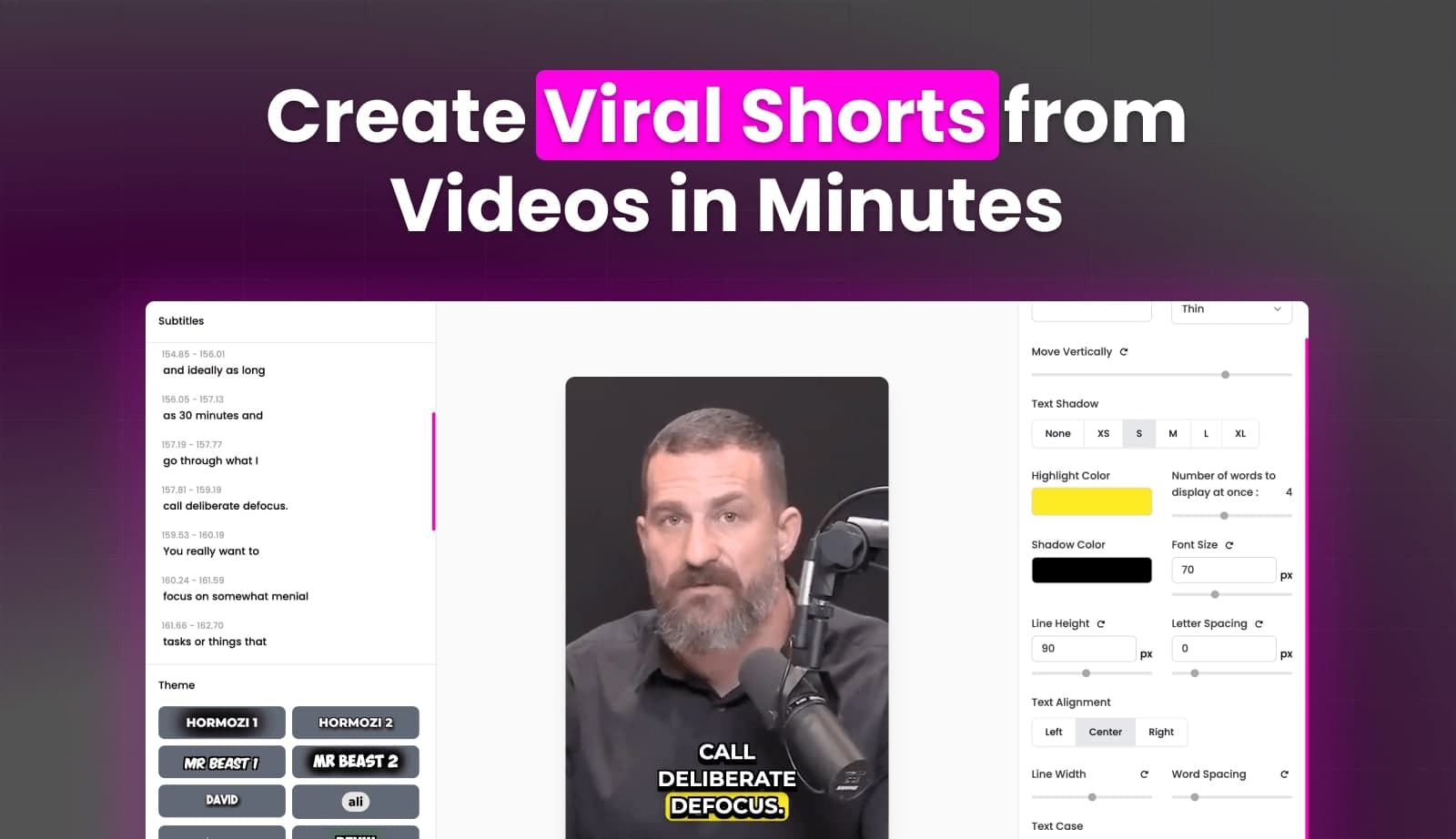
How can I improve subtitle quality if the 'edge' mode is not satisfactory?
If the 'edge' mode for subtitle generation doesn't meet your quality expectations, you can switch to the 'whisper' mode in the `config.toml` file. Note that 'whisper' mode is slower and requires downloading a ~3GB model file.