Piktochart AI is a graphic design tool that generates custom infographics from any topic in seconds. It allows users to transform text or documents into engaging visuals with AI assistance.
Piktochart AI is an AI-powered infographic maker that simplifies the creation of visually appealing infographics. Users can generate custom infographics by simply providing a topic or pasting text/uploading documents, with the AI transforming the input into detailed visuals. The tool offers a seamless design process, allowing for quick creation without requiring design expertise. Beyond generation, Piktochart AI provides extensive customization options within its editor, enabling users to tailor every element, add images, icons, and charts from a vast library or upload their own assets. It also includes an AI outline feature to help organize ideas and suggest visually appealing designs, making it suitable for various applications like marketing, internal communications, and educational content.
Best used for
Ideal for graphic designers and marketing professionals who need to quickly create engaging infographics, transform text into visuals, and customize designs for various purposes. Especially valuable for those seeking to streamline the design process and produce high-quality, branded content efficiently.
Common actions
generate infographics
create visual content
customize designs
convert text to visuals
organize information visually
AI design generatornonprofit sectorspresentation makersflyerinfographicAI toolsvideosscreen recordersdesign generatorssocial media video makers+ 5 more
Capabilities
Key features
AI infographic generation
Text-to-visual conversion
Document-to-infographic conversion
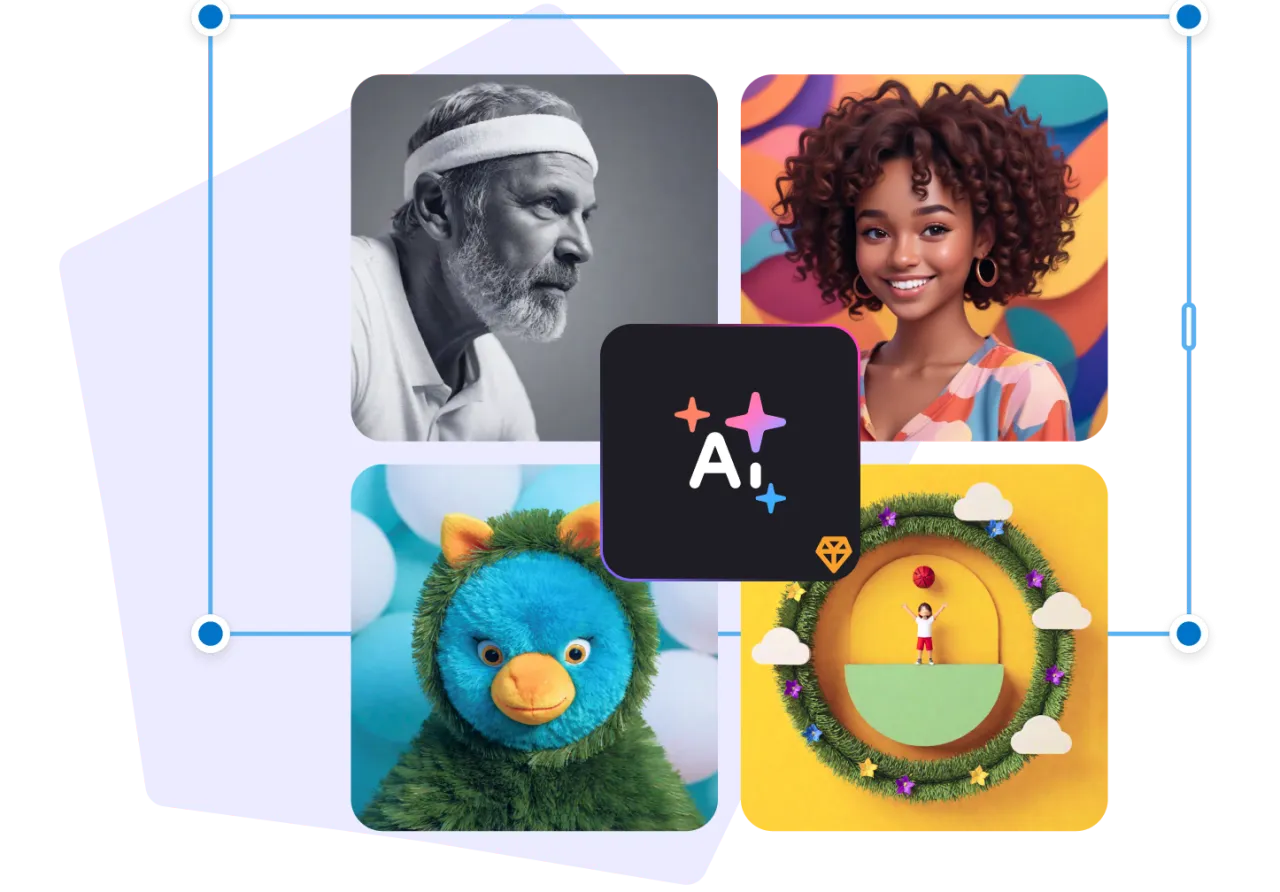
AI image generation
Customizable templates
Intelligent design assistance
Visual asset library
Target Audience
graphic designer
Integrations
Not yet documented
Pricing & Plans
Freemium · Paid · Enterprise
Free Plan
FAQs
How many infographics can I generate with Piktochart AI's free plan?
The free Piktochart account provides 60 AI credits each month. These credits are used for various AI features, such as 1 credit for topic generation, 3 credits for pasting text or uploading documents, and 25 credits for image generation.
Can I customize the infographics generated by Piktochart AI?
Yes, after generating an infographic, you can fully customize it within the Piktochart editor. You can add images, charts, and other visual assets from their library or upload your own to match your unique style and message.
What types of documents can Piktochart AI use to generate infographics?
Piktochart AI supports various document formats for generating infographics, including PDF, DOCX, and TXT. This allows users to easily convert existing text-heavy content into engaging visual summaries.
What is the pricing for Piktochart Pro and Business plans?
Piktochart Pro costs $168 per year ($14/month) when billed annually or $29 when billed monthly. Piktochart Business costs $288 per year ($24/month) when billed annually or $49 when billed monthly, with annual subscriptions offering savings.
Are there special discounts for non-profit organizations or educators?
Yes, Piktochart offers special discounted Pro plans. Non-profit organizations can access the Pro plan for $60/year, and students/teachers can get it for $39.99/year, providing significant savings compared to standard pricing.