About
What is Hovercode?
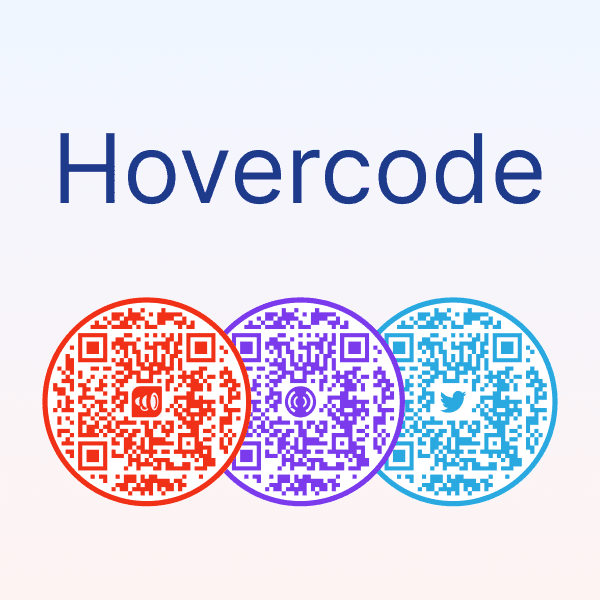
Hovercode is a comprehensive QR code generator designed to drive engagement and track results. It allows users to create and manage dynamic QR codes that don't expire, offering features like scan tracking, analytics, and editable destinations. Users can customize QR codes with their own logos, brand colors, and a variety of templates, including unique circle QR codes. Beyond standard QR codes, Hovercode also provides tools for creating micro landing pages, shortening links with custom domains, and building custom forms. It supports advanced features like GS1 Digital Link QR codes for product packaging and offers API access for developers on higher plans. The platform caters to businesses looking to enhance their marketing campaigns with trackable and customizable QR code solutions.
Best used for
Ideal for product managers and graphic designers who need to create trackable QR codes, customize them with branding, and manage marketing campaigns. Especially valuable for businesses looking to measure engagement, update QR code destinations post-print, and integrate QR codes into product packaging.
Common actions
design customizationqr codescustom domainstrackingintegrationlanding pageseditingcustomizable templatesAPIshort links+ 3 more
Capabilities
Key features
- Dynamic QR codes
- Scan tracking & analytics
- Logo & brand customization
- Editable QR codes
- Custom redirect domains
- Link shortener
- Form builder
Target Audience
product managergraphic designer
Integrations
Not yet documentedPricing & Plans
Freemium · Paid · Enterprise
FAQs
Do QR codes created with Hovercode expire?
Your first 3 dynamic QR codes created on the free plan will never expire. If you subscribe to a paid plan and create additional QR codes beyond the initial three, those extra codes will expire if your subscription is canceled.
What is the difference between dynamic and static QR codes on Hovercode?
Dynamic QR codes allow you to track scans, edit the destination link after creation, and access analytics. Static QR codes, while free, do not offer these advanced features and cannot be changed once generated.
Can I use my own domain for short links and QR code redirects?
Yes, paid plans (Pro and above) allow you to use your own custom redirect domain. This means that when users scan your QR code or click your short link, they will see your domain instead of Hovercode's.
What kind of analytics does Hovercode provide for QR code scans?
Hovercode offers basic analytics on the free plan (3 months history) and advanced tracking on paid plans (12 months or unlimited history). This includes data on scan locations, devices used, and overall campaign performance.